Horizontal logo
The first choice for websites, presentations and partner materials.

For the people telling our story. Logos, colors, typography and product visuals, all in one place.
Download brand kit SVG, transparent PNG, color tokens & product illustrations Built for the work that keeps things running. Original artwork, prepared for light and dark backgrounds. Every PNG has a transparent background.
The first choice for websites, presentations and partner materials.
For narrow layouts where the symbol sits above the name.

For compact placements where Opero is already identified.
SVG scales to any size. Choose PNG for documents, slides and tools that do not support SVG.
Black and white do the heavy lifting. Blue points to an action. Amber brings attention to one thing.
Brand marks and dark surfaces
#000000RGB 0, 0, 0Page backgrounds and reversed marks
#FFFFFFRGB 255, 255, 255Primary buttons and actions
#0068FFRGB 0, 104, 255A single highlight with black text
#FFA31ARGB 255, 163, 26Headings and body text
#111318RGB 17, 19, 24Secondary surfaces
#F7F8FARGB 247, 248, 250--color-op-black#000000--color-op-ink#111318--color-op-ink-2#2A2D33--color-op-ink-3#4A4E57--color-op-mute#5B616C--color-op-line#DCE1E9--color-op-line-2#C3C9D3--color-op-bg#FFFFFF--color-op-bg-2#F7F8FA--color-op-bg-3#F3F5F9--color-op-white#FFFFFF--color-op-blue#0068FF--color-op-accent#0058D6--color-op-accent-soft#E8F1FF--color-op-amber#FFA31AUse #0058D6 for blue text on white, and #4D94FF on black. Pair amber with black text.
Use Sora for the message, Inter for the detail, and IBM Plex Mono for technical data.
Knowledge that keeps work moving.
Get Sora from Google Fonts (opens in a new tab)The right answer. On every shift.
Get Inter from Google Fonts (opens in a new tab)0123456789 / 24:00 / 98.6%
Get IBM Plex Mono from Google Fonts (opens in a new tab)Font files are not bundled. Get each family and its license from the original distributor. Use the supplied logo artwork rather than typing the name to recreate it.
Keep the original proportions. Leave clear space of at least one quarter of the symbol height on every side.
| Asset | Digital width | Print width |
|---|---|---|
| Horizontal logo | 160 px | 35 mm |
| Stacked logo | 80 px | 20 mm |
| Symbol | 24 px | 6 mm |
These are practical starting sizes. Check legibility at the final output size. For print, use SVG and ask your printer to convert the RGB palette for the chosen paper and process.
Headlines: 32–64 px, Sora 600.
Body: 15–18 px, Inter 400.
Labels: 12–14 px, Inter 500–600.
Small corners: 6 px. Blocks: 12 px.
Buttons: fully rounded.
Use generous space and simple layouts.
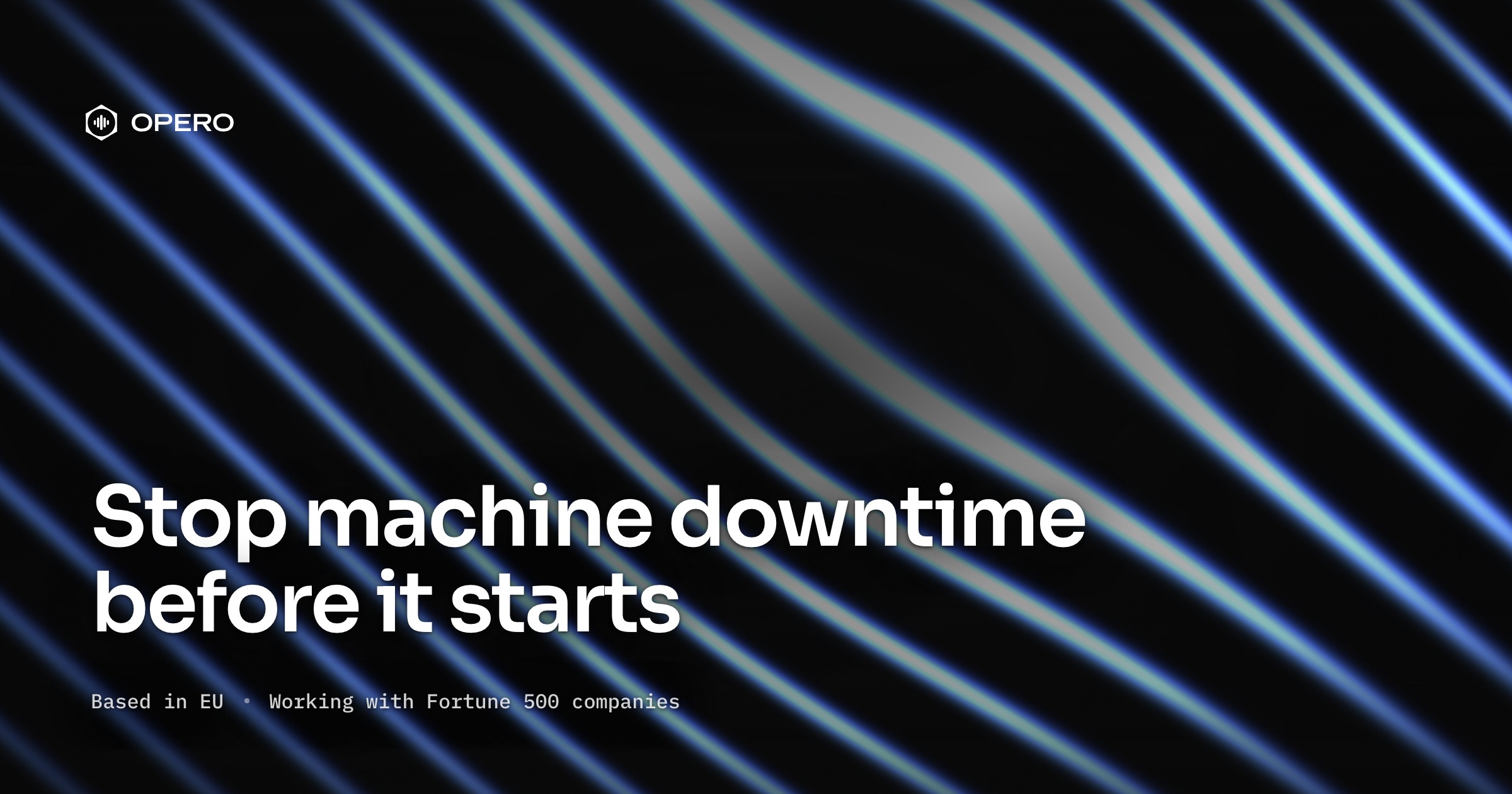
Public marketing illustrations for articles and presentations. Each master is a 2400 × 1600 px PNG.
These are composed examples, not unmodified app screenshots or customer results. Keep the caption when you share them: “Opero product illustration. Illustrative example.”
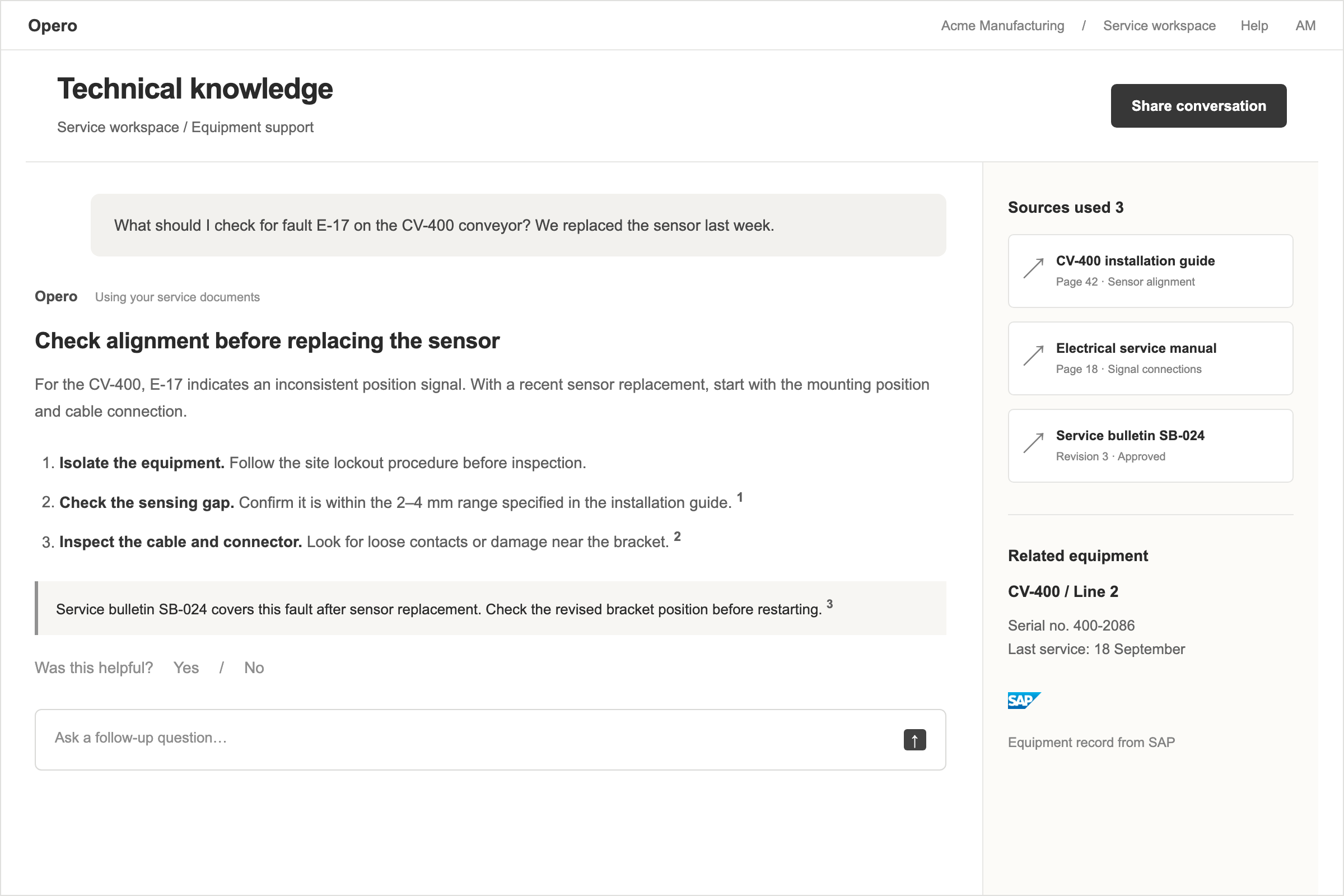
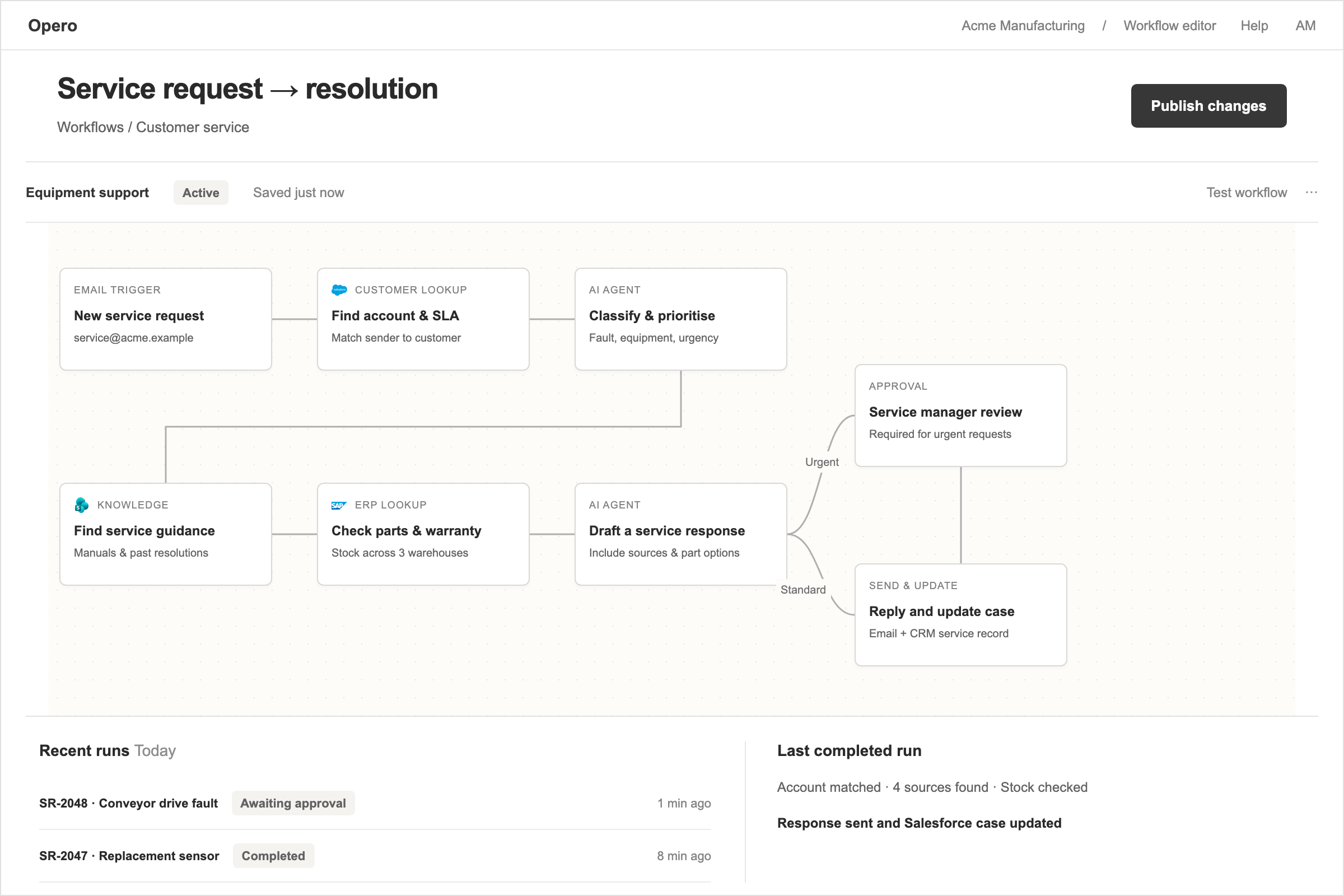
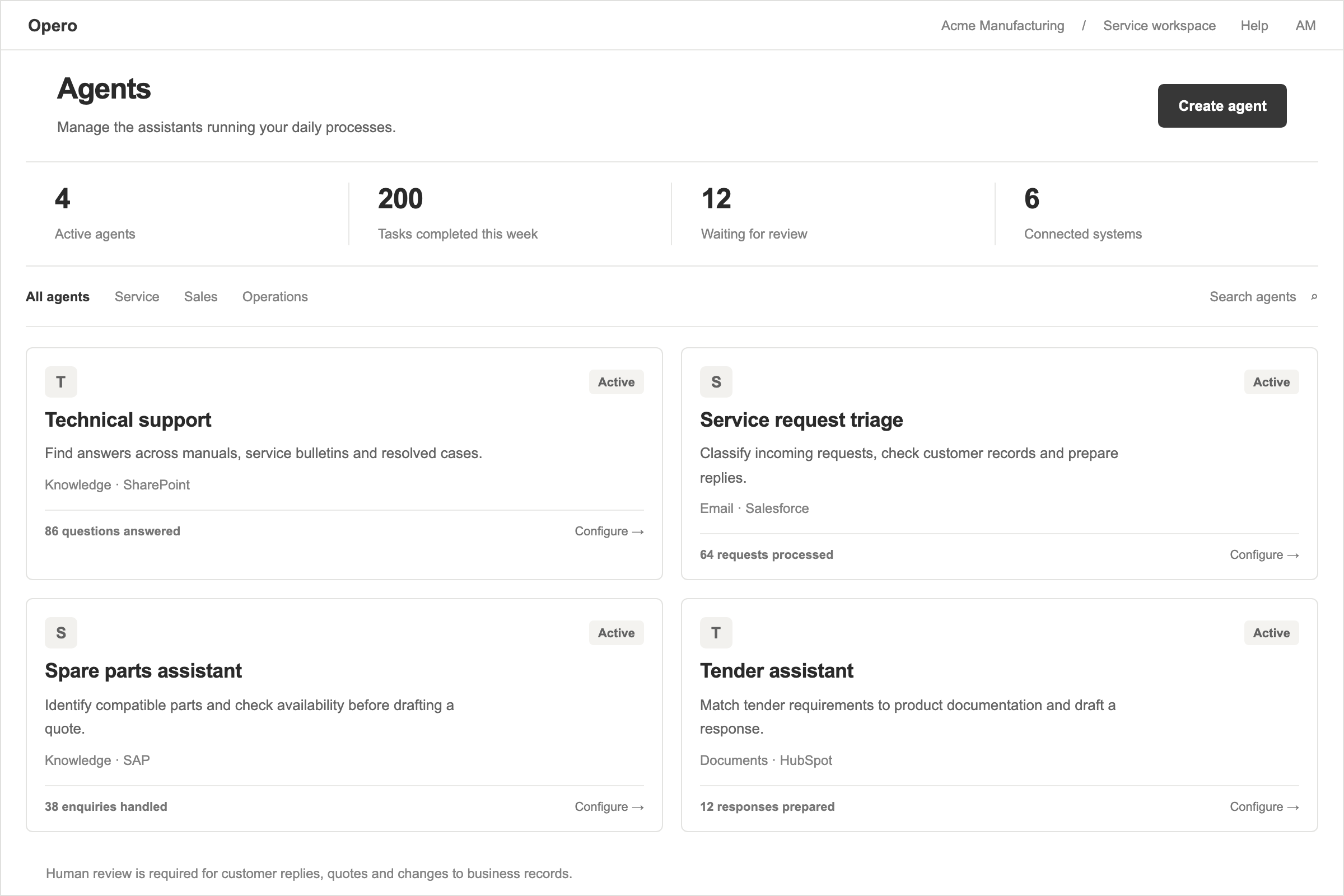
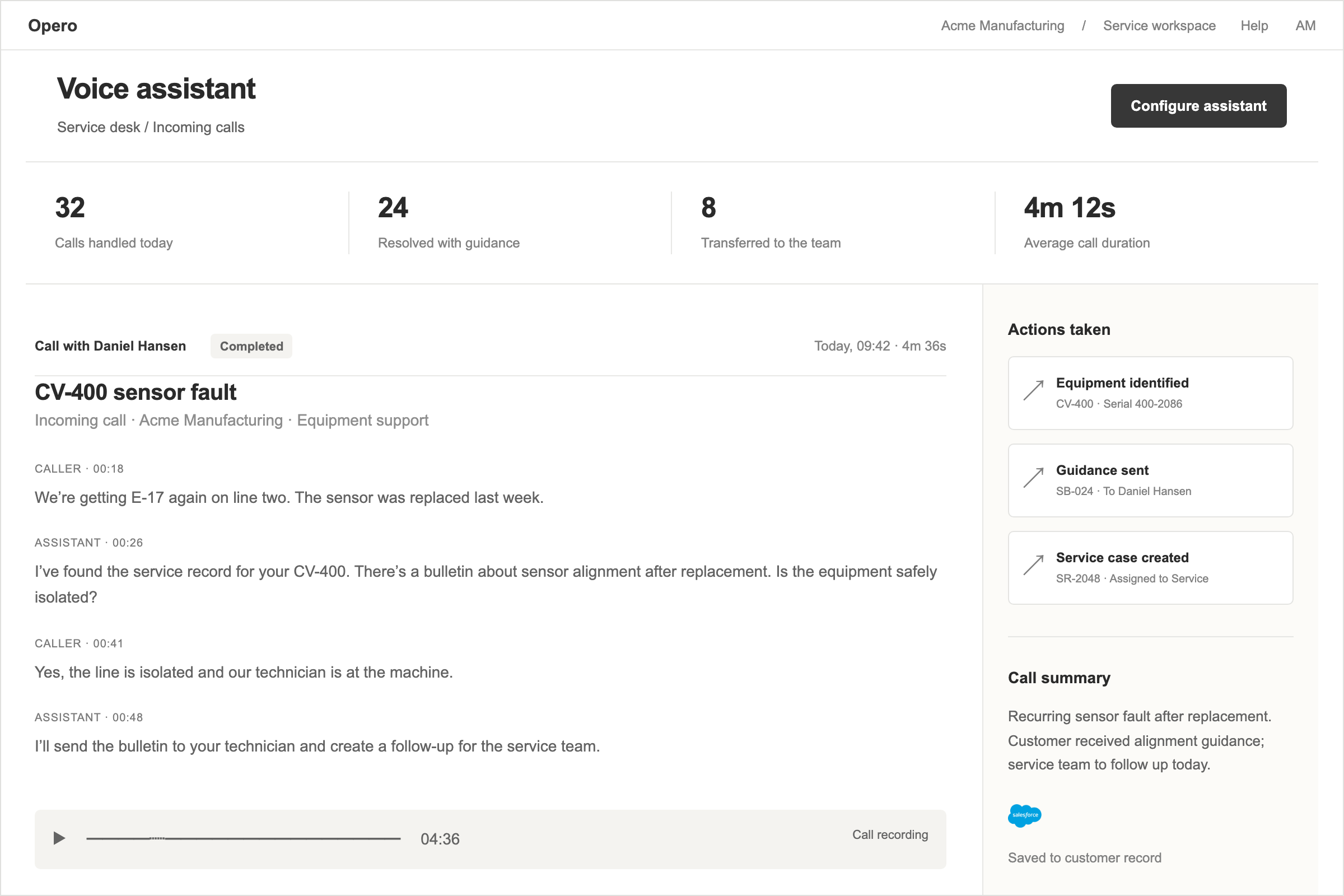
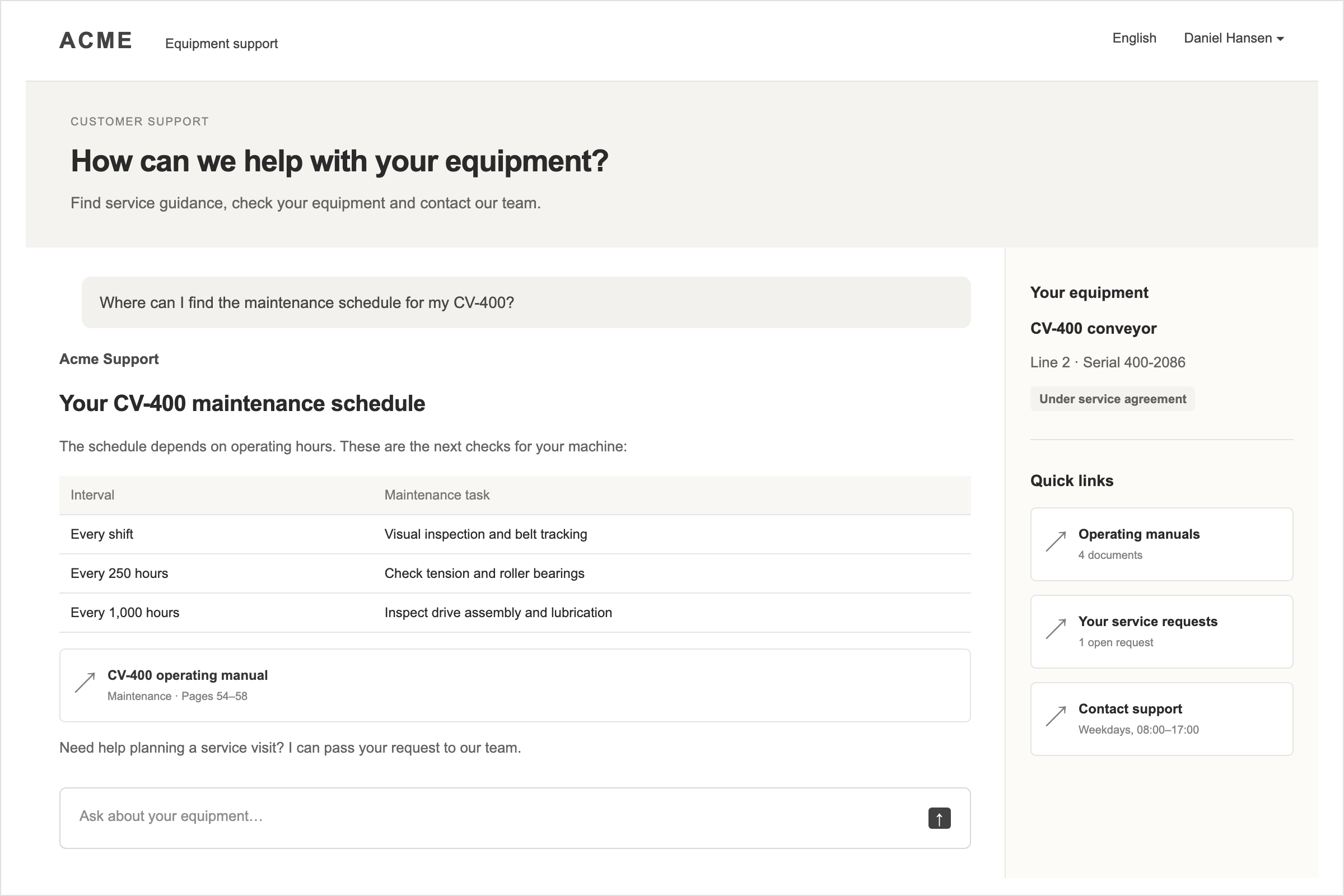
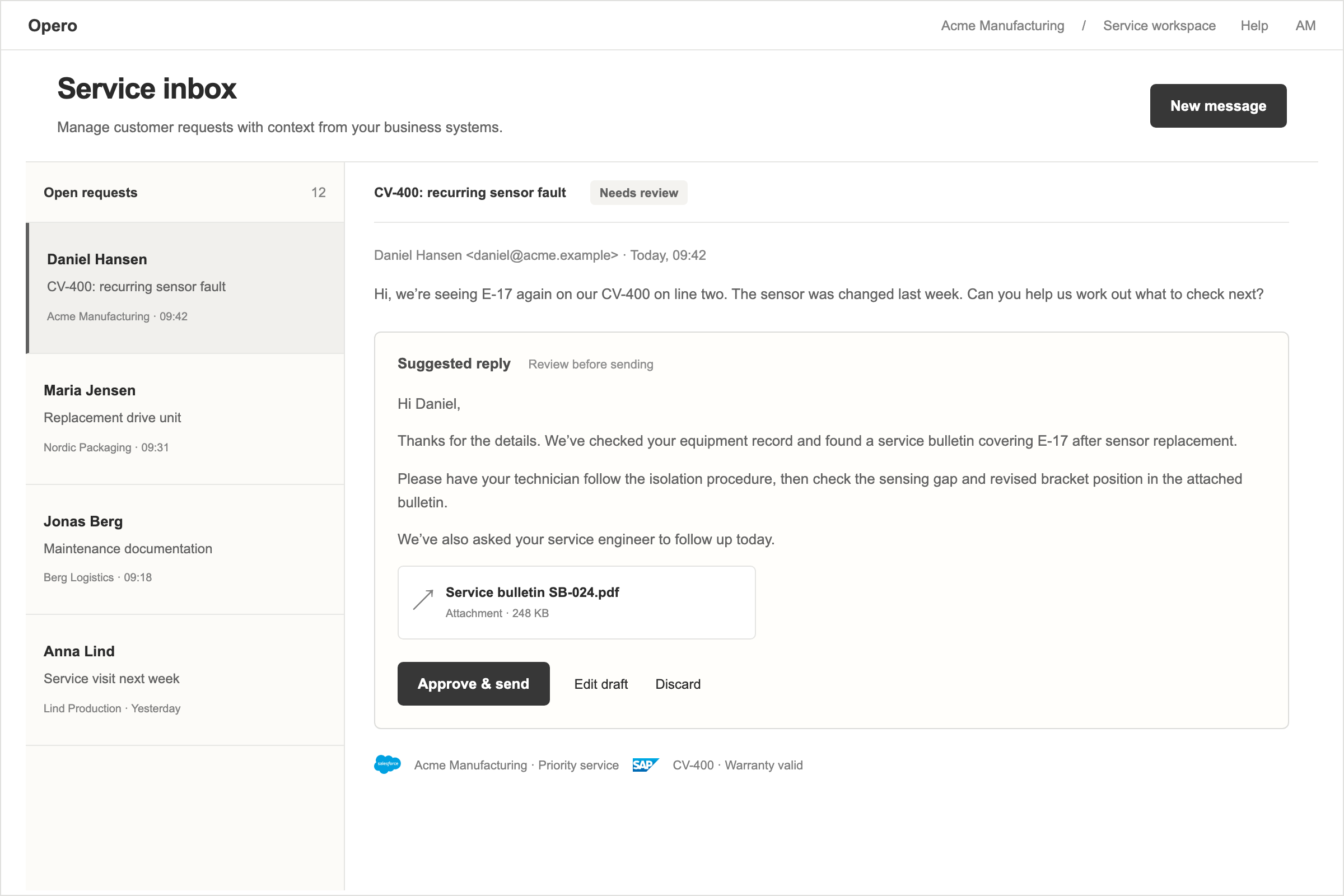
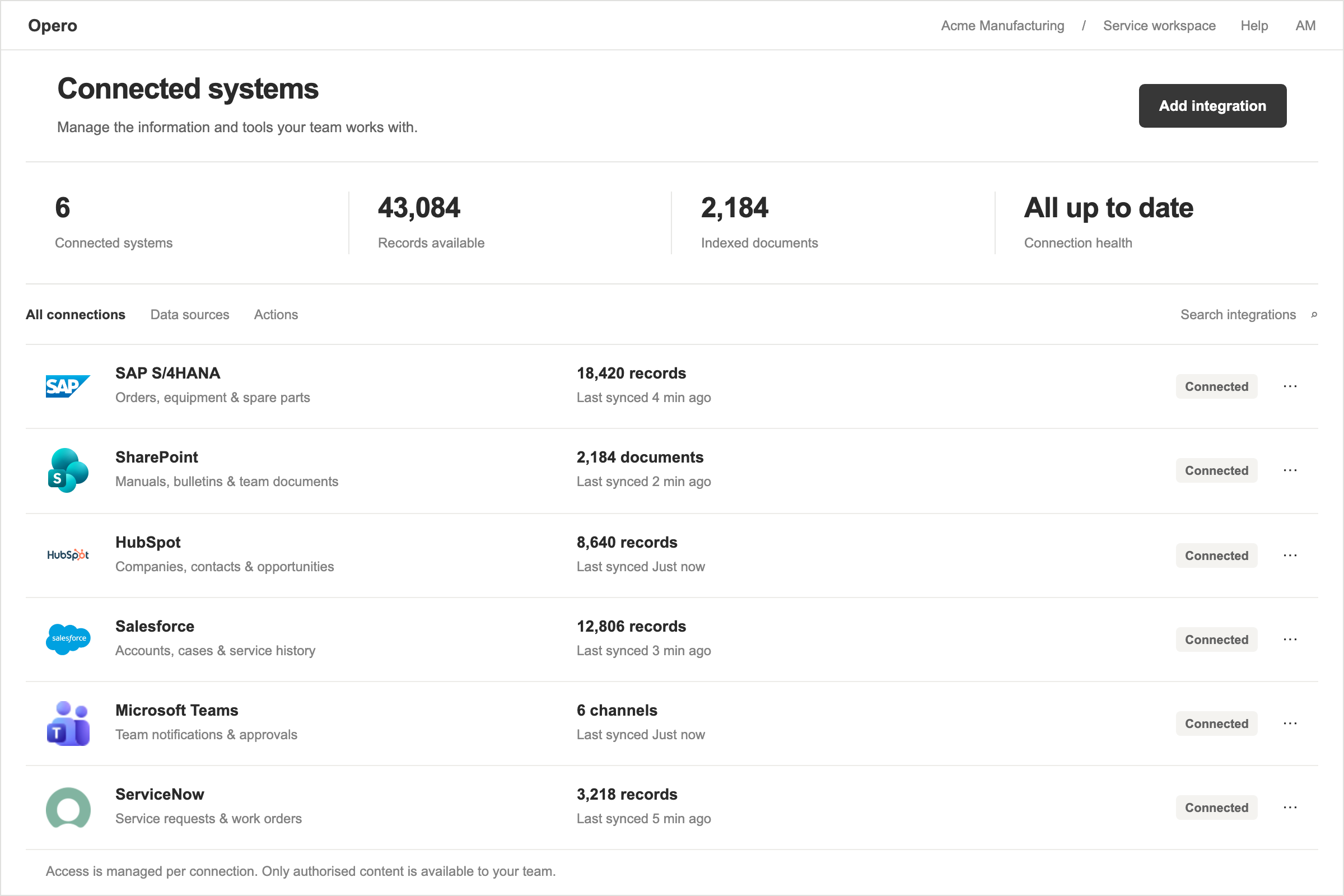
Use these assets to identify or discuss Opero in articles, presentations and partner materials.
Customer logos, partner logos and photography are outside this kit. Third-party marks within product illustrations belong to their respective owners; this kit does not grant separate rights to those marks.
For another format, a special placement or a question about use, talk to the Opero team.